
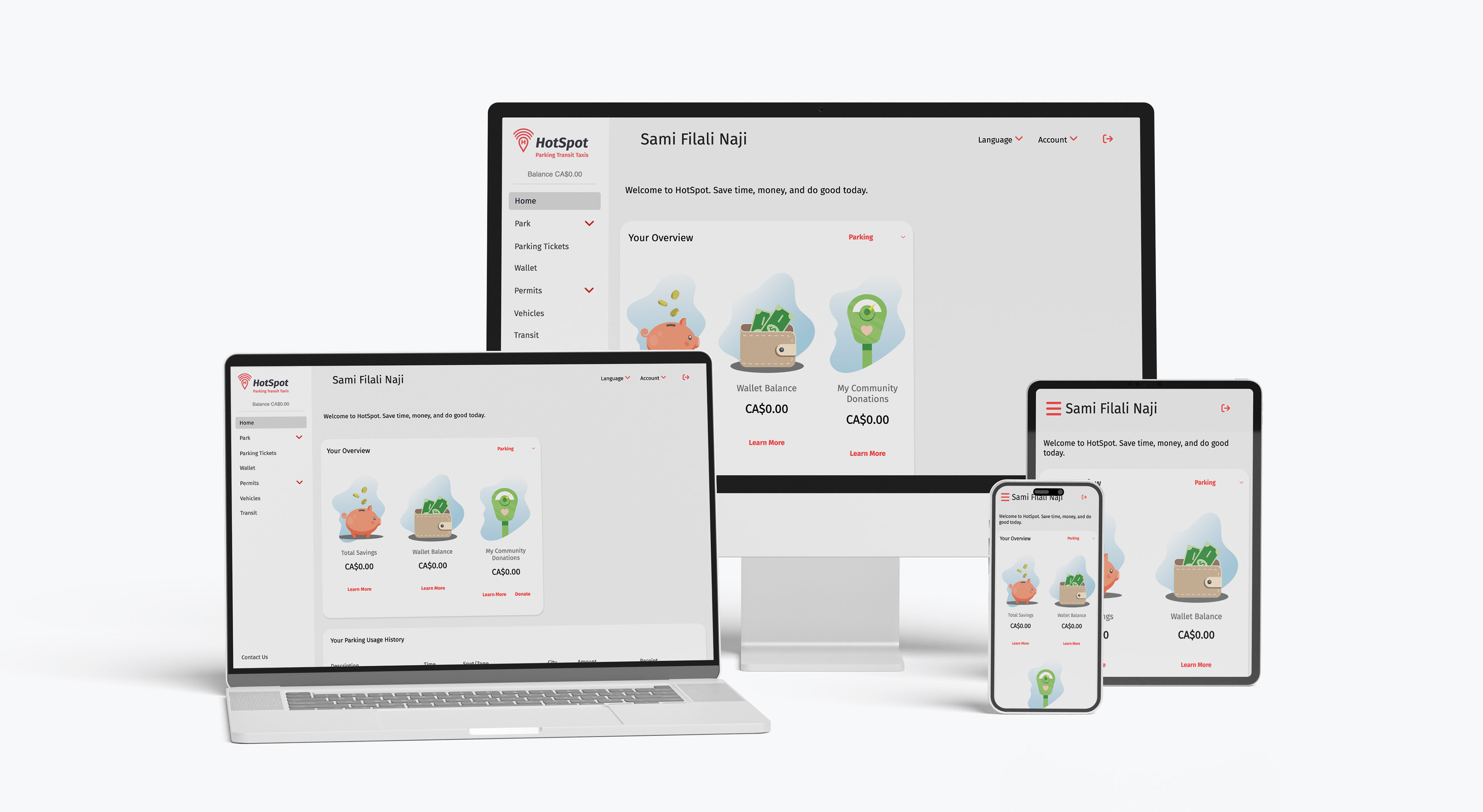
HotSpot multi device view
With over 34,000 active users, HotSpot enables drivers to visualise and manage their vehicle parking sessions.
I was tasked with ensuring that HotSpot's website and mobile app were Web Content Accessibility Guidelines (WCAG) version 2.2 level AA compliant. This involved providing an accessibility audit using manual and automated test methods, designing alternative solutions, and communicating with developers to deploy these changes in Cascading Style Sheets (CSS) and HyperText Markup Language (HTML) code.

User settings
Common user actions were embedded in the main menu; searching for these actions and settings were identified as a "paint point" during usability tests.
General settings are now separated from the main menu and displayed on the top-right of the user interface (UI).
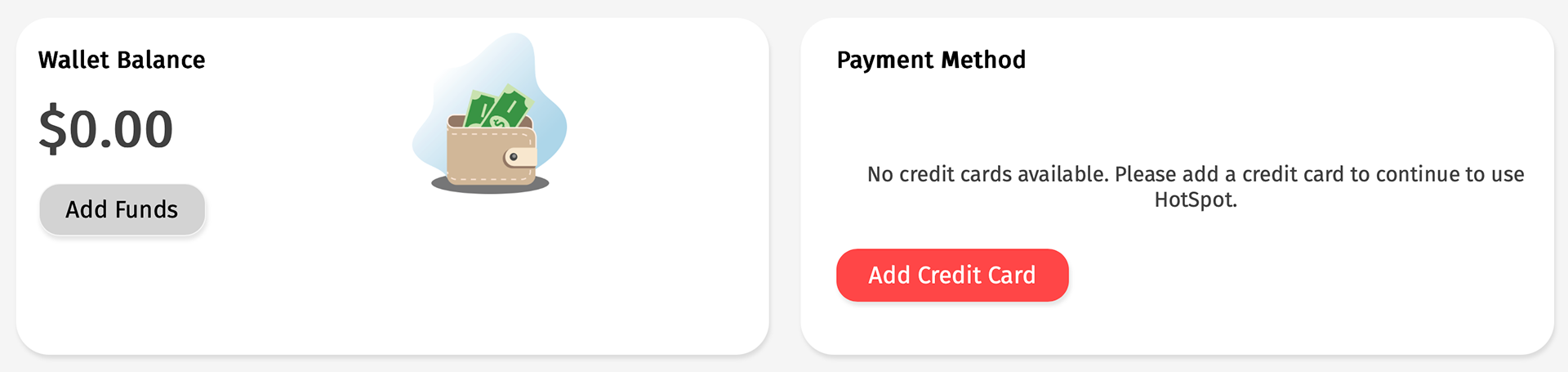
Example disabled button (error prevention)
Furthermore, user input error is prevented by disabling buttons where additional information is required and immediately evident. In the example above, users must have an active credit card before adding funds to their wallets.
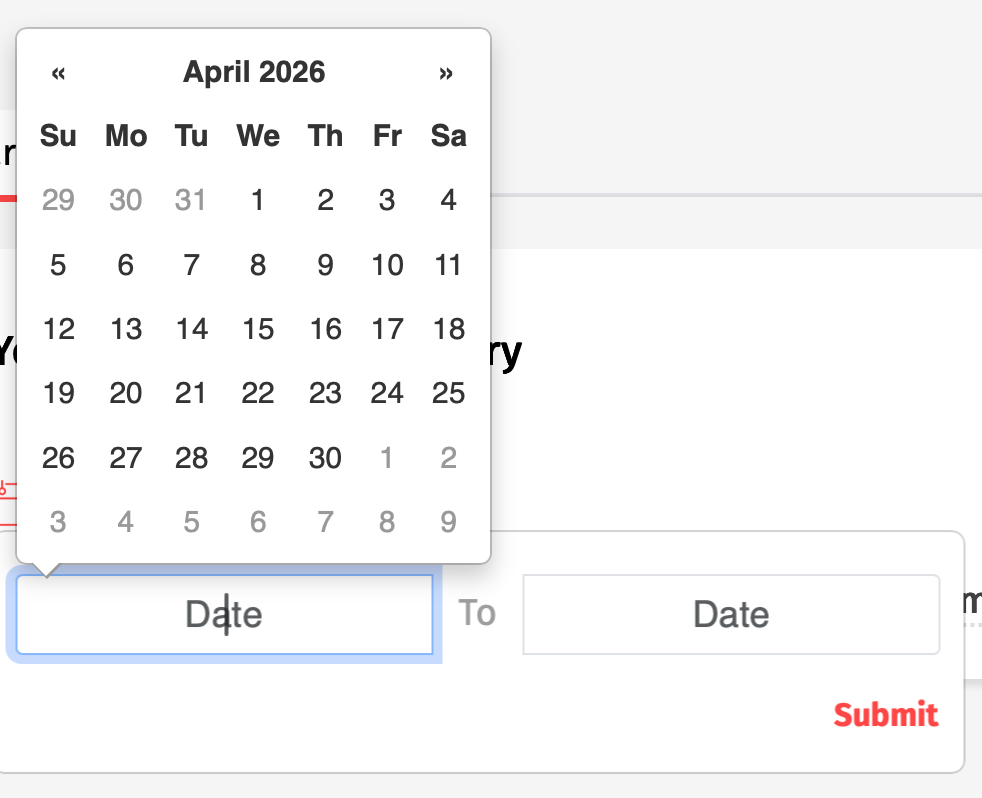
Example date entry
Where users are required to input dates, they can either select these from a calendar control, or can input dates manually through the keyboard.
Additionally, users can navigate to each date in the calendar control using keyboard navigation controls (via the "tab" key, etc.).
These options provide those with mobility issues with solutions for selecting dates in forms.